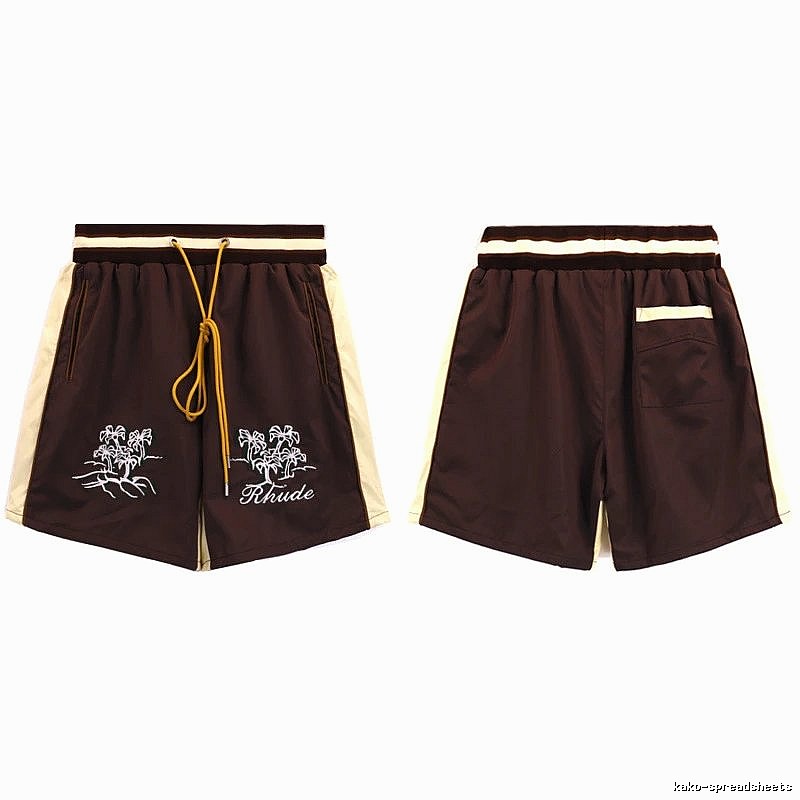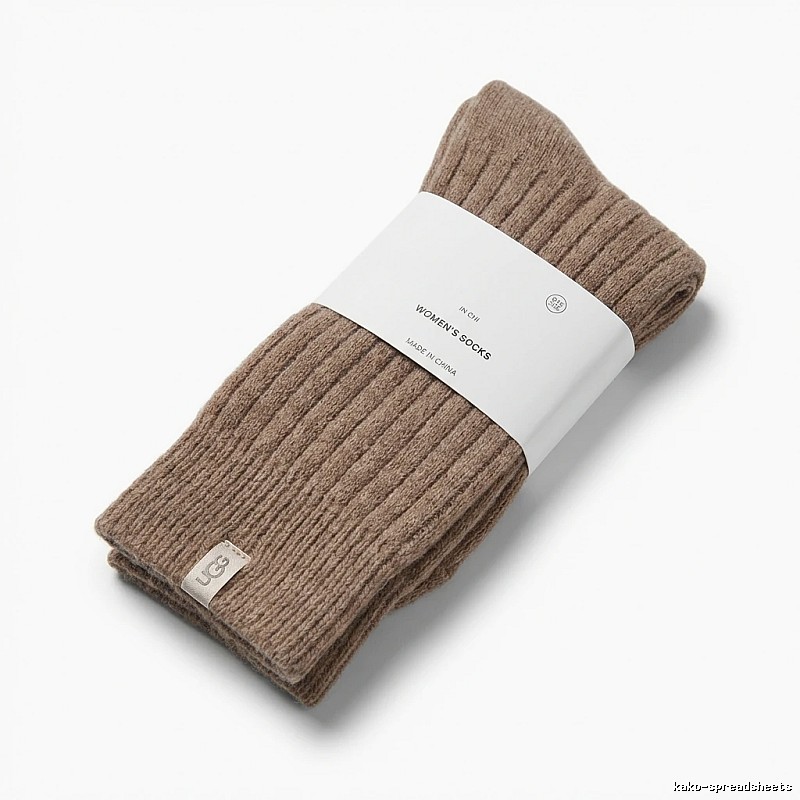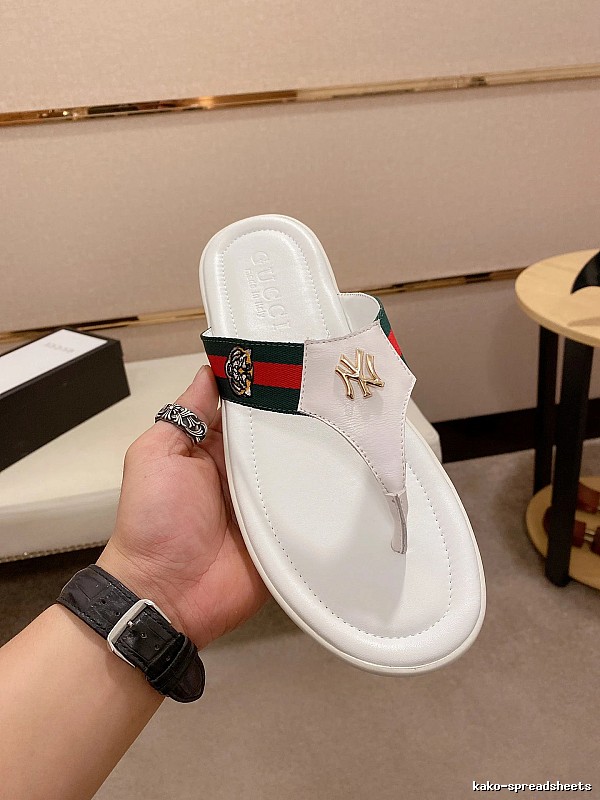
$33.91
→Kakobuy | Best Price Comparison & Money-Saving Shopping Hacks
Fresh index
Welcome to Kakobuy!
Kakobuy (Official Website: kako-spreadsheets.org) is a professional China product sourcing and purchasing service platform. Whether you are trying purchasing for the first time or have prior experience, this guide will help you get started with the Kakobuy platform quickly.
Kakobuy is a platform dedicated to sourcing and purchasing China products, providing global users with one-stop services to purchase goods from Taobao, Tmall, 1688, JD, Pinduoduo, and other major Chinese e-commerce platforms.
The Kakobuy Spreadsheet is a convenient tool for users to search and browse China products. Unlike traditional Google Sheets, Kakobuy uses a website-style spreadsheet format with faster loading and no lag, providing a smoother product browsing experience.
1. Visit the Official Website
Open your browser and go to kako-spreadsheets.org
You will see Kakobuy's homepage
2. Click "Register"
Find the "Register" or "Sign Up" button in the upper-right corner of the homepage
Click the button to go to the registration page
3. Fill in Your Registration Information
Enter your email address (using a frequently used email is recommended)
Set a secure password (recommended: include uppercase and lowercase letters, numbers, and special characters)
Check the box indicating you have read and agree to the Terms of Service
Click "Register"
4. Complete Email Verification
The system will send a verification email to your inbox
Log in to your email and find the email
Click the verification link in the email to complete email verification
5. Registration Complete
After email verification, you can log in to Kakobuy using the email and password you registered with
1. Visit the Official Website
Open your browser and go to kako-spreadsheets.org
2. Click "Login"
Find the "Login" or "Login" button in the upper-right corner of the homepage
Click the button to go to the login page
3. Enter Your Login Information
Enter the email address you used for registration
Enter the password you set
If needed, check "Remember Me" (recommended on private devices)
Click "Login"
4. Login Successful
After logging in successfully, you will see Kakobuy's user dashboard
Here, you can view orders, manage addresses, check your warehouse, and more
When choosing a purchasing platform, it is important to understand the genuine reviews and reputation from other users. Kakobuy enjoys a strong reputation among global users.
Open the Trustpilot website
Search for "Sifangdama" (Kakobuy's operating company)
View ratings and reviews from other users
Open the Reddit website
Search for "Kakobuy" or "Kakobuy review"
View discussions and experiences shared by other users
3. Watch Review Videos on YouTube
Open YouTube
Search for "Kakobuy review" or "Kakobuy tutorial"
Watch review videos and tutorials posted by other users
Trustpilot Rating: 4.5/5 (example — please verify the actual rating)
User Feedback:
Powerful image search feature
QC photos are authentic and reliable
Convenient multi-platform support
Transparent and fair real-time exchange rates
Prompt customer service responses
When choosing a purchasing platform, Kakobuy stands out with the following core advantages:
1. Image Search Feature
The Kakobuy Spreadsheet supports a powerful image search feature. If you only have a product image but don't know the specific product name or link, simply upload the image to the Kakobuy Spreadsheet, and the system will automatically recognize the product and search for similar or identical items on Taobao, Tmall, and other platforms.
2. QC Photo Album Feature
Kakobuy provides free QC (Quality Control) photos for every product. These authentic photos are organized into the QC Photo Album. You can view these QC photos directly in the Kakobuy Spreadsheet to confirm the product's true color, fabric texture, and workmanship details.
3. Multi-Platform Selection
Most platform spreadsheets only support single-platform navigation (e.g., only Taobao or only 1688), but the Kakobuy Spreadsheet supports multi-platform browsing. You can browse products from Taobao, Tmall, 1688, JD, Pinduoduo, and other major Chinese e-commerce platforms all in the same spreadsheet.
4. Real-Time Exchange Rates
Kakobuy tracks exchange rate fluctuations and provides reference prices closest to the actual transaction rate. This means the price you pay is closer to the real exchange rate, avoiding hidden exchange rate fees.
Q1: Which e-commerce platforms does Kakobuy support?
A: Kakobuy supports Taobao, Tmall, 1688, JD, Pinduoduo, and other major Chinese e-commerce platforms.
Q2: How do I contact Kakobuy's customer service?
A: You can contact Kakobuy's customer service via live chat, email, or in-platform messages.
Q3: How are Kakobuy's shipping fees calculated?
A: International shipping fees are calculated based on package weight, volume, and destination country. You can view the specific shipping quote when submitting your shipping order.
Q4: What should I do if the product I received has quality issues?
A: Please contact customer service within 48 hours of receiving the product and provide QC photos and a description of the issue. Kakobuy will assist you in communicating with the seller to process a return or refund.
Through this beginner's guide, you should now have a basic understanding of the Kakobuy platform, including how to register and log in, and how to check user reviews.
As a professional China product sourcing platform, Kakobuy provides global users with a convenient, transparent, and efficient cross-border shopping experience through its powerful spreadsheet tools, image search feature, QC photo albums, multi-platform support, and real-time exchange rates.
Directory
Guides
Visual match
Find products when titles or translations are unclear.
Guides
Short tips on agents, QC, and checkout routes.
Brands
Jump from brand pages into matching products.